Start here
Try a smaller integer factor, or split a known grid into separate PNGs and scale those files in a new job. Check the complete job estimate: compressed file length and output dimensions alone cannot tell you whether the job fits.
The complete 1024×1024 checker exported at 2×. The same file at 4× returned budget-exceeded, with no output PNG or ZIP. Splitting it into four 512×512 PNGs and scaling those actual downloads at 4× succeeded: four 2048×2048 outputs matched their original quadrants pixel for pixel.
What you need
Extract browser-limits.zip and use assets/inputs/cancel-grid.png. This is a complete, fully opaque PNG. The pack also contains small sprites and a numbered sheet for inspecting source references.
Tested with: Chrome 154.0.8037.44 on macOS, actual Cloudflare preview; nine complete-image crop/scale comparisons with Pillow 12.3.0. Node 24.22.0 source/policy checks are separate. This is one desktop browser cohort, not a device-memory guarantee.
1. Read dimensions as well as file bytes
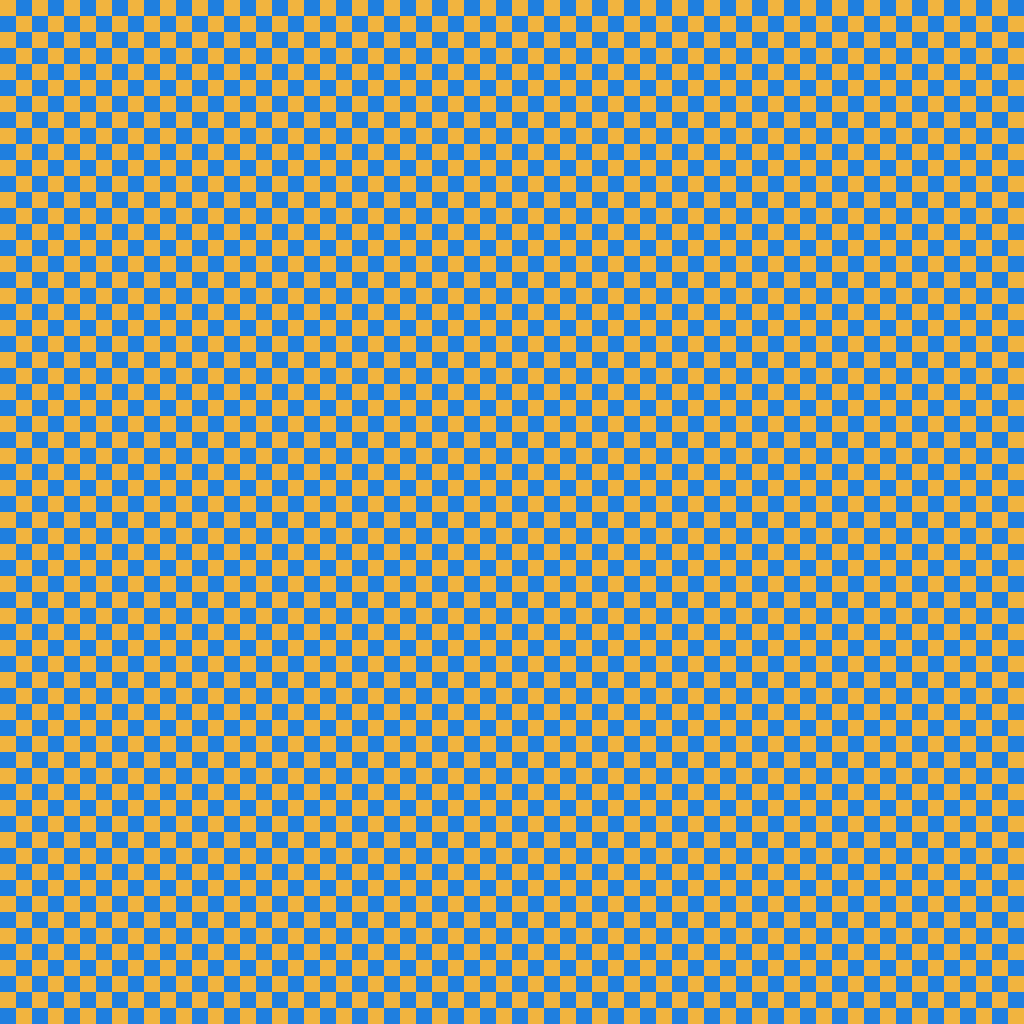
The source PNG is 15,664 bytes, but one decoded RGBA8 plane needs 1024 × 1024 × 4 = 4 MiB. Scaling both axes increases pixel area by the square of the factor:
2×: 2048 × 2048 × 4 = 16 MiB per RGBA plane
4×: 4096 × 4096 × 4 = 64 MiB per RGBA plane
Those figures exclude temporary copies, compressed backing and retained outputs. A small PNG is not necessarily a small decoded job.
2. Retry the complete input at a smaller factor
Open the batch pixel-art upscaler, use Choose PNG files for the checker, select 2× under Integer scale, then choose Upscale selected PNGs. Download the PNG/ZIP and manifest.
The recorded 2× job produced one 2048×2048 PNG, 100,663 encoded bytes. Every decoded pixel matched the original repeated 2× in both axes. The manifest recorded one success and no failures.
Changing the same input to 4× produced Estimated live bytes exceed 96 MiB. Its manifest recorded one budget-exceeded failure, zero outputs and no ZIP. This is a useful failure to read before retrying the same allocation.
3. Keep geometry and reservation checks separate
The 4× dimensions reach the application's 16,777,216-pixel output ceiling, yet the estimated job still rejects. The current policy reserves selected/current compressed backing, three source planes, five output planes, four times retained PNG bytes and a fixed 3 MiB allowance.
For this source, the 2× base estimate is 95 MiB before the two compressed-byte counters; the 4× base estimate is 335 MiB. These are application reservations, not a measured process-memory ceiling. Browsers may also fail a decode or allocation for their own reasons.
The pack's 33-byte PNG-header controls and large synthetic counters test policy boundaries. They are incomplete inputs, not executed oversized images or measured allocations.
4. Split the known grid, then start a separate scaling job
- In the sprite-sheet splitter, choose the complete checker.
- Set Cell width (px) and Cell height (px) to 512. Set all four margins and both gaps to 0; leave the frame range unrestricted.
- Check four cells, then use Split into PNG frames and Download ZIP.
- Extract the four PNGs and select those exact files in a new batch-upscale job at 4×.
The split manifest retained source frames 0–3 at origins (0,0), (512,0), (0,512) and (512,512). All four complete crops matched the original. The subsequent scaling job produced four 2048×2048 PNGs, each 91,871 encoded bytes; all four matched the corresponding original quadrant repeated 4×.
These were separate jobs. Within a job, reserve the full parent while it remains live. Splitting does not erase that overlap or guarantee that every maximum-size sheet will fit. This workflow produces four images; it does not rebuild a 4096×4096 PNG.
5. Reproduce the small source references
From the extracted browser-limits directory, use Node 24 without a dependency install:
node --test fixture.test.mjs
node generate.mjs
node generate.mjs --check
The runner reproduces the complete inputs, three small 2× references and eight 32×32 crops from a separate 64×32 numbered sheet. It does not generate the large browser exports described above. The declaration distinguishes compressed lengths, dimensions and portable source-RGBA hashes.
The recorded checker is fully opaque. Other PNGs can lose invisible RGB or round partial-alpha colors during browser decoding/canvas/encoding. The successful checker recovery is not a promise of raw RGBA fidelity, universal mobile capacity or a fastest safe factor.